The International Trade Blog  Export Compliance
6 Reasons Your ERP May Be the Wrong Tool for Exporting
On: September 14, 2026 | By:  David Noah |
15 min. read
David Noah |
15 min. read
 Your ERP may be the right place to manage customers, products, inventory, orders and financial data. But that doesn't necessarily make it the best tool for creating export documents and managing export compliance.
ERP global trade and export modules can be powerful, but they can also take significant time, IT resources and training to implement. For many exporters, a better approach is to keep the ERP as the source of order data and connect it to software built specifically for export documentation and compliance.
We've seen this firsthand at Shipping Solutions. Companies sometimes come to us looking for a short-term solution while they wait for an ERP export module to be implemented. Then they discover that Shipping Solutions works well alongside their ERP, and they decide to keep using both.
That doesn't mean ERP trade modules are always the wrong choice. But you shouldn't assume your ERP is automatically the best tool for exporting just because that's where your order data already lives.
Here are six reasons to take a closer look.
1. ERP Export Modules Can Include More Functionality Than Exporters Need
Enterprise resource planning systems are designed to connect many parts of a business, including accounting, inventory, manufacturing, purchasing, sales and logistics.
That's exactly what makes an ERP valuable. But it can also mean your export team has to work through a lot of complexity to complete a fairly focused set of tasks.
Your export staff may need to create commercial invoices, packing lists, Certificates of Origin and other shipping documents. They may need to file Electronic Export Information through the Automated Export System, screen parties against restricted lists and check export license requirements.
They don't necessarily need the full complexity of a large global trade management system to do those things.
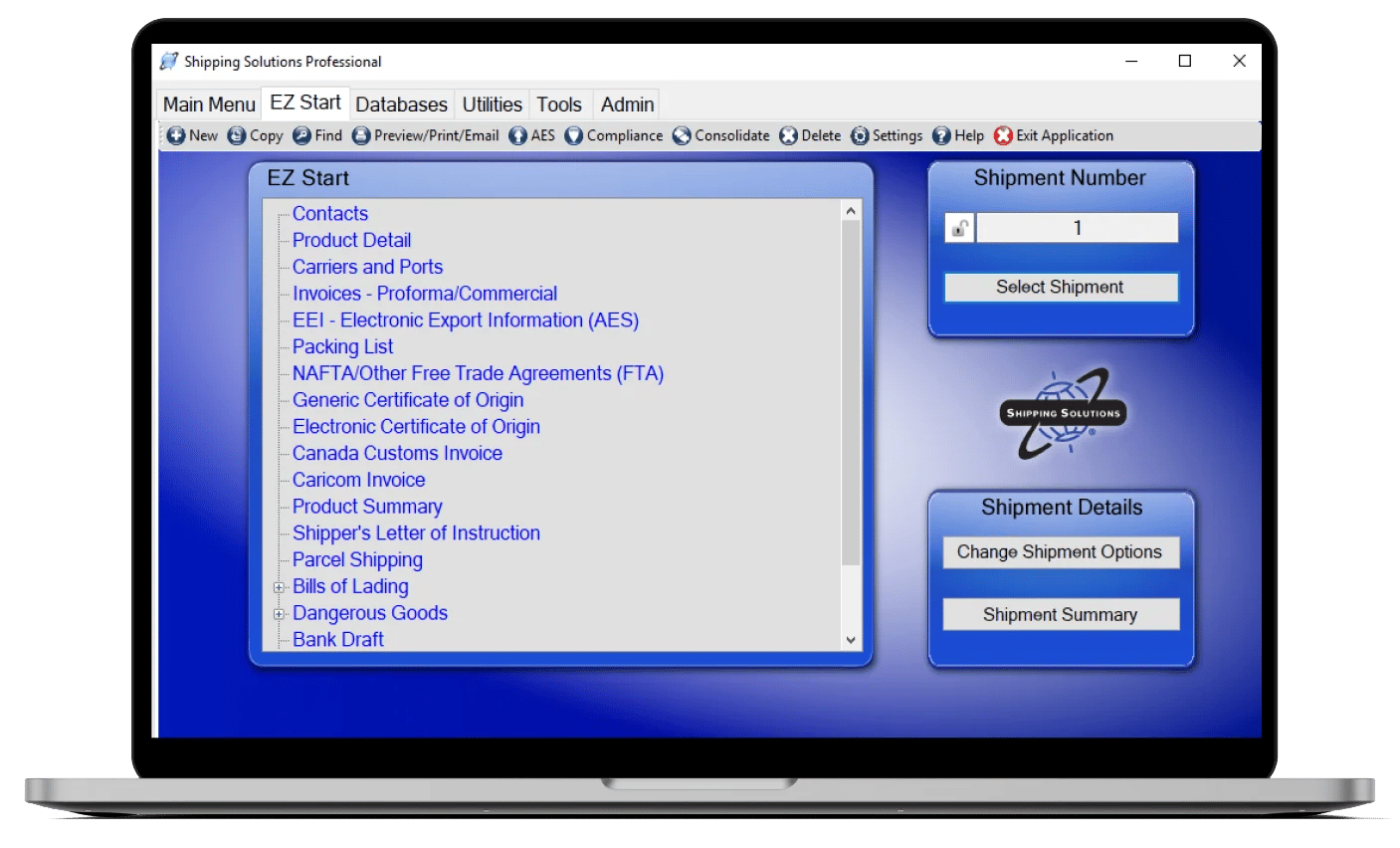
In stark contrast, Shipping Solutions export documentation and compliance software is built specifically for exporters to create export documents and stay compliant with export regulations. It’s a very streamlined application that is intuitive and designed to expedite your paperwork and improve accuracy.
The question isn't whether your ERP can handle exporting. It's whether it's the most efficient tool for the job.
2. ERP Export Modules Can Take Significant Time and IT Resources to Implement
Adding an export or global trade module often means configuration, data mapping, testing, training and more work for an IT department that probably already has a full plate.
Your export department, meanwhile, still has shipments that need to leave today.
Shipping Solutions can be implemented independently so exporters can begin creating documents without waiting for a larger ERP project to be completed. Our software is designed to help companies create export forms up to five-times faster than using templates or completing them by hand.
And you don't necessarily have to abandon that process once your ERP project is finished.
Shipping Solutions Professional and Enterprise include the Data Exchange Manager (DXM), which can import orders from SAP, Oracle, NetSuite, Microsoft Dynamics or any other ERP or accounting system. Customer, product and order information can originate in the ERP and flow into Shipping Solutions without employees retyping the same data.
Your export team can start using Shipping Solutions first, then IT can set up the data exchange when time and resources allow.
3. Specialized Export Software May Cost Less Than an ERP Trade Module
When comparing an ERP export module with specialized export software, look beyond the software license.
An ERP module may involve implementation services, consultants, customization, integration work, training, internal IT time and ongoing support or maintenance. You may also end up paying for functionality your export department doesn't need.
Specialized software can be a more economical option when your requirements are narrower.
People who are exploring ERP export module implementation often initially choose Shipping Solutions because, even if they can’t afford a full-blown ERP, they can afford Shipping Solutions software. You'll find our honest, upfront pricing here; and our maintenance cost is clearly stated. Compared to an ERP’s export module, you can save tens or hundreds of thousands of dollars per year.
Shipping Solutions publishes our pricing so companies can compare editions and capabilities before deciding what fits their needs.
Of course, every company is different. A large multinational with extensive global trade requirements may have a strong business case for an enterprise-wide trade platform.
The point is to compare the total cost with the functionality your export team will actually use.
4. Your ERP Provider May Not Specialize in Export Regulations and Compliance
Exporting involves more than generating a commercial invoice.
U.S. exporters may need to determine whether EEI must be filed through AES, screen customers and other transaction parties against restricted party lists, classify products for export control purposes and determine whether a shipment requires an export license.
And the export compliance process can be complicated.
Some ERP and global trade management vendors offer sophisticated compliance tools. Others treat exporting as one small part of a much larger system.
When you're evaluating software, ask how regulatory data is updated, whether the system documents your compliance activity and whether the people supporting the product understand exporting as well as the software.
At Shipping Solutions, export documentation and compliance are the focus of what we do. We stay on top of regulations, make sure they’re updated whenever changes occur, and we provide these updates to maintenance subscribers free of charge.
5. ERP Export Modules May Force Exporters Into a Rigid Workflow
Enterprise systems depend on standardized processes. But export departments often have their own requirements based on products, customers, destinations, freight forwarders, banks and internal procedures.
That’s not how Shipping Solutions works. We designed it to fit as a part of your workflow, not the other way around.
Unlike your ERP’s export module, Shipping Solutions software plugs into your current workflow, and you are free to use it as you need to. And if the Shipping Solutions software doesn’t include every form you need, or you want forms to look different, we can customize the software to meet your needs.
That lets your ERP continue managing customer, product and order data while your export team uses specialized software to create documents and complete export procedures.
6. Specialized Export Software May Be Easier for Export Teams to Use
Of course, none of the features in a system matter much if your export team hates using it.
We hear from exporters who find ERP trade modules difficult to navigate or too complicated for routine shipments. When that happens, employees may start building workarounds outside the system, including spreadsheets, Word templates or separate processes for compliance checks.
Those workarounds can create more data entry and more opportunities for mistakes.
Shipping Solutions is built around the tasks exporters perform every day. Users can reuse customer and product information, create multiple documents from the same shipment data, file through AES without reentering all their information and complete compliance checks as part of their standard procedures.
Furthermore, our customer support is top-notch. When you call, we’ll answer, and real, friendly Minnesotans will help you. If this sounds like something that's a good fit for you, let us show you how it works!
Should You Use Your ERP for Export Documentation and Compliance?
Maybe. But if your export team mainly needs to create documents, file through AES and complete compliance checks, a full ERP trade module may be more system than you need.
Shipping Solutions is built specifically for exporters, so it can be faster to implement, easier to use and less expensive than adding more functionality to your ERP.
Your ERP and Export Software Can Work Together
You don't have to choose between your ERP and Shipping Solutions.
Keep your ERP as the source for customer, product and order data, then use the Shipping Solutions Data Exchange Manager to import orders from SAP, Oracle, NetSuite, Microsoft Dynamics and other ERP or accounting systems.
Your team gets the data it needs without retyping it, then uses Shipping Solutions to create export documents, file through AES and complete export compliance procedures.
The Bottom Line: Your ERP Doesn't Have to Do Everything
If your ERP is making exporting more complicated than it needs to be, use a tool built for the job.
Shipping Solutions helps export teams create documents faster, reduce duplicate data entry and build compliance checks into the shipping process.
Request a free Shipping Solutions demo and see how easily it can work with the ERP or accounting system you already use.
Like what you read? Subscribe today to the International Trade Blog to get the latest news and tips for exporters and importers delivered to your inbox.
This article was first published in June 2015 and has been updated to include current information, links and formatting.